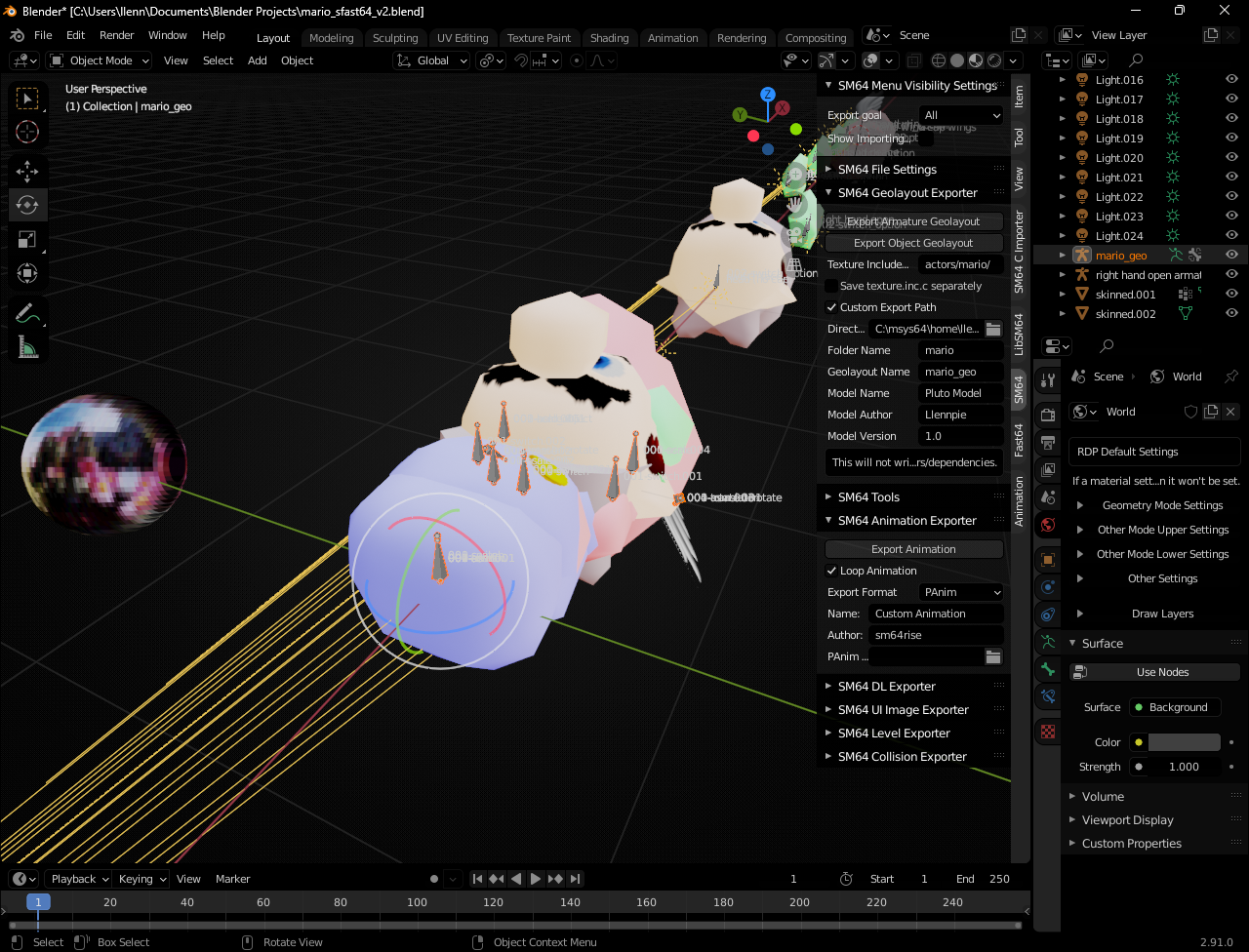
These guides demonstrate the fundamentals of creating a Pluto-compatible model, and adding features for machinima such as color codes and expressions.
Prior knowledge of both Blender and Fast64 is highly recommended - watch a YouTube tutorial to familiarize yourself with the process.
Setting up SFast64
While not required, Pluto utilizes a custom fork of Fast64 for several features, such as bone translation/scale and unique geo commands.
- PFast64 (GitHub Repo)
- Install the plugin from Github with Code -> Download ZIP
- Add to plugin to Blender with Edit -> Preferences… -> Add-ons -> Install…
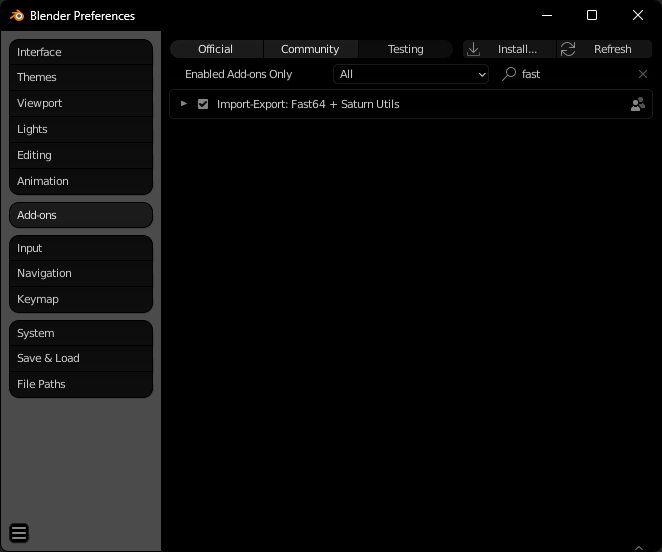
From there, you should be able to open the example blend and start creating.
If the panel on the right side contains tabs for SM64 and Fast64, setup is complete.